
All-in-One PCs for a Tidy Workspace

All-in-One PCs combine the computer and display in one unit, helping you keep your desk neat without a separate desktop tower. They work well in home offices, study areas, reception desks and business environments. When comparing models, consider the screen size and resolution first. Then review the processor, memory, storage, ports and wireless features to make sure they suit your daily work. Included accessories and operating systems can also vary by model, so check each listing for details. Browse All-in-One PCs at Tech4U and compare the available configurations for your workspace.
Showing all 2 resultsSorted by latest

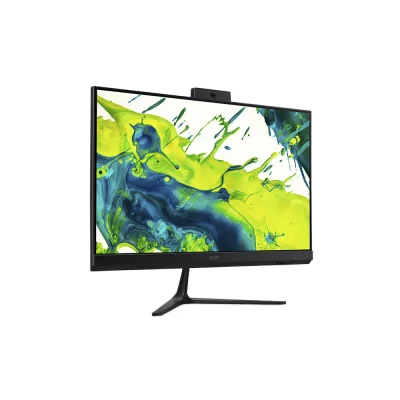
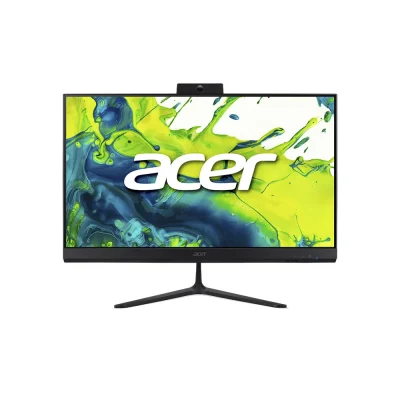
Acer Aspire C27B-GARL All-in-One Computer – Core Ultra 5 225U, 16GB DDR5, 512GB SSD

₨ 285,000

• Intel Core Ultra 5 225U processor, up to 4.80GHz
• 16GB DDR5 RAM, upgradeable up to 128GB
• 512GB M.2 SSD
• 27-inch Full HD IPS display
• Intel integrated graphics
• Wi-Fi 6E and Bluetooth 5.3
• HDMI and DisplayPort
• Wireless Copilot keyboard and mouse included
• Windows 11 Home Single Language
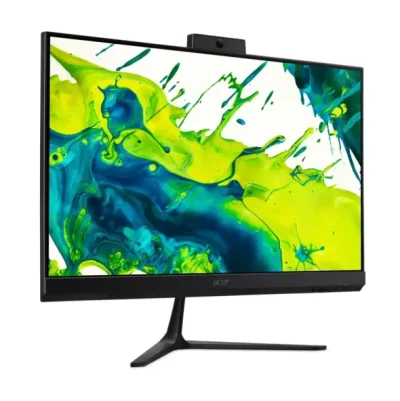
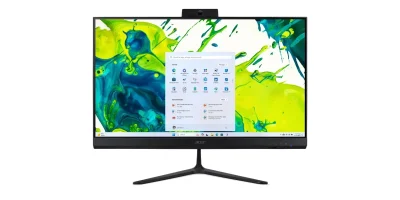
Acer Aspire C24B-GARL All-in-One Computer – Core Ultra 5 225U, 16GB DDR5, 512GB SSD

₨ 255,500

• Intel Core Ultra 5 225U processor, up to 4.80GHz
• 16GB DDR5 RAM, upgradeable up to 128GB
• 512GB M.2 SSD
• 23.8-inch Full HD IPS display
• Intel integrated graphics
• Wi-Fi 6E and Bluetooth 5.3
• HDMI and DisplayPort
• Wireless Copilot keyboard and mouse included
• Windows 11 Home Single Language

A Combined Computer and Display

All-in-One PCs combine the computer and display in one unit. As a result, they can reduce desk clutter and remove the need for a separate desktop tower. This style of computer works well in home offices, study areas, reception desks, and other spaces where a clean setup matters. Specifications differ by model, so compare the processor, memory, storage, screen size, and resolution before choosing. Some All-in-One PCs also include features such as a webcam, microphone, speakers, or wireless keyboard and mouse. However, these features are not identical across every model. Check the product listing to confirm what comes in the box. Also consider how you will connect the computer to your network and accessories. Wi-Fi, Bluetooth, USB ports, HDMI, and DisplayPort availability can vary. If you use specific peripherals or need to connect an additional display, review the ports carefully. Tech4U’s All-in-One PCs let you compare different screen sizes and configurations for home, study, and office use.

Frequently Asked Questions

Does an All-in-One PC need a separate desktop tower? No. The computer components sit within the display unit. Do all All-in-One PCs include a keyboard and mouse? No. Accessories vary by model. Check the package details on the product page. Can I connect another monitor? That depends on the model’s display ports. Review its HDMI or DisplayPort specifications before ordering.